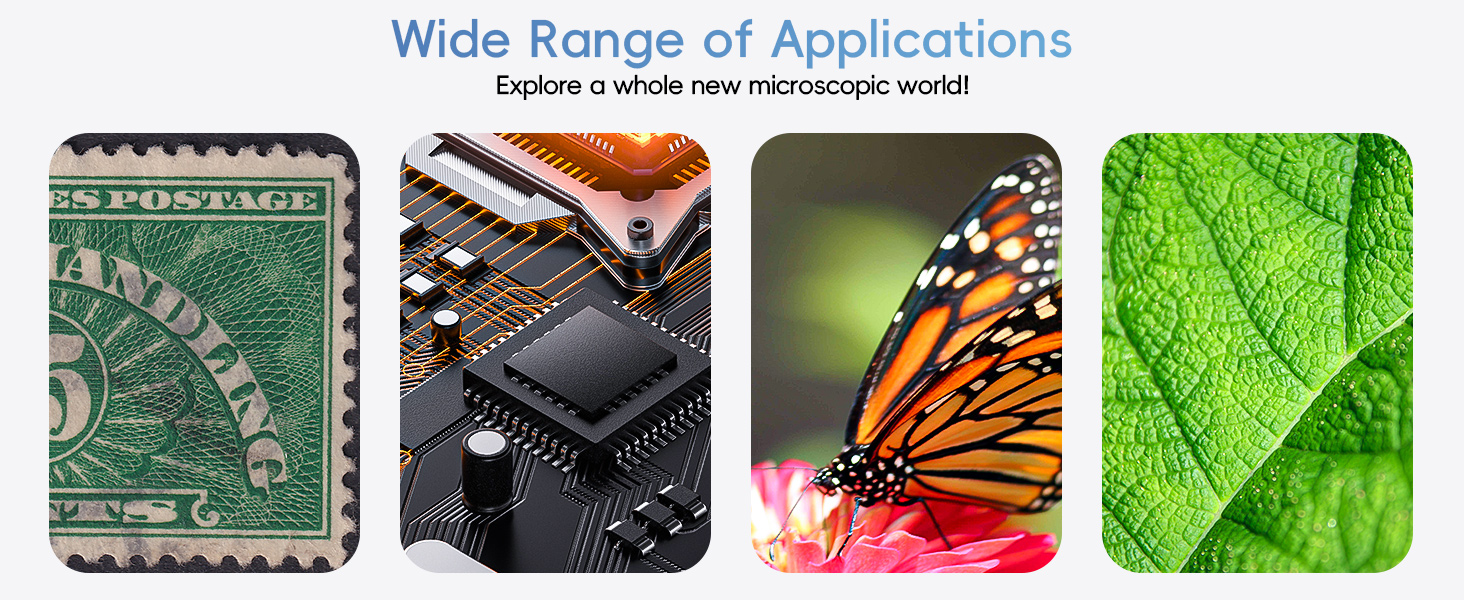
Wireless Digital Microscope with 50X-1000X Magnification, WiFi & USB Connectivity for Mobile Devices and Computers


Wireless Digital Microscope with 50X-1000X Magnification, WiFi & USB Connectivity for Mobile Devices and Computers
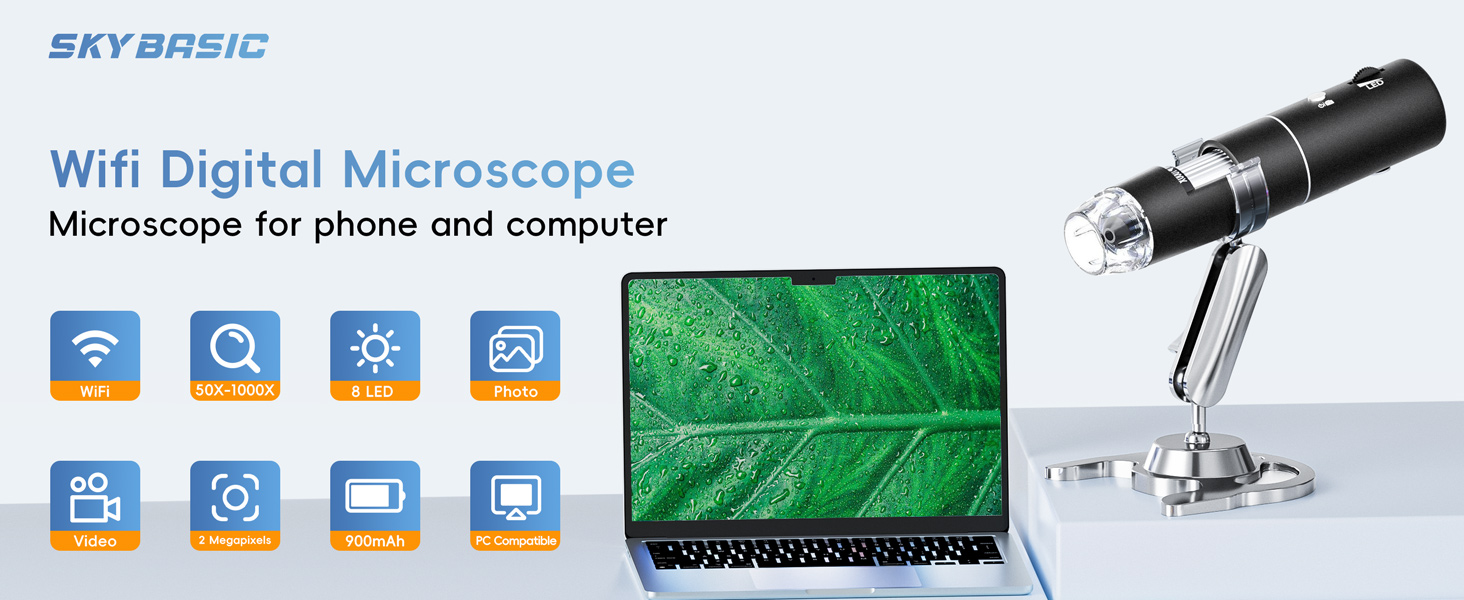
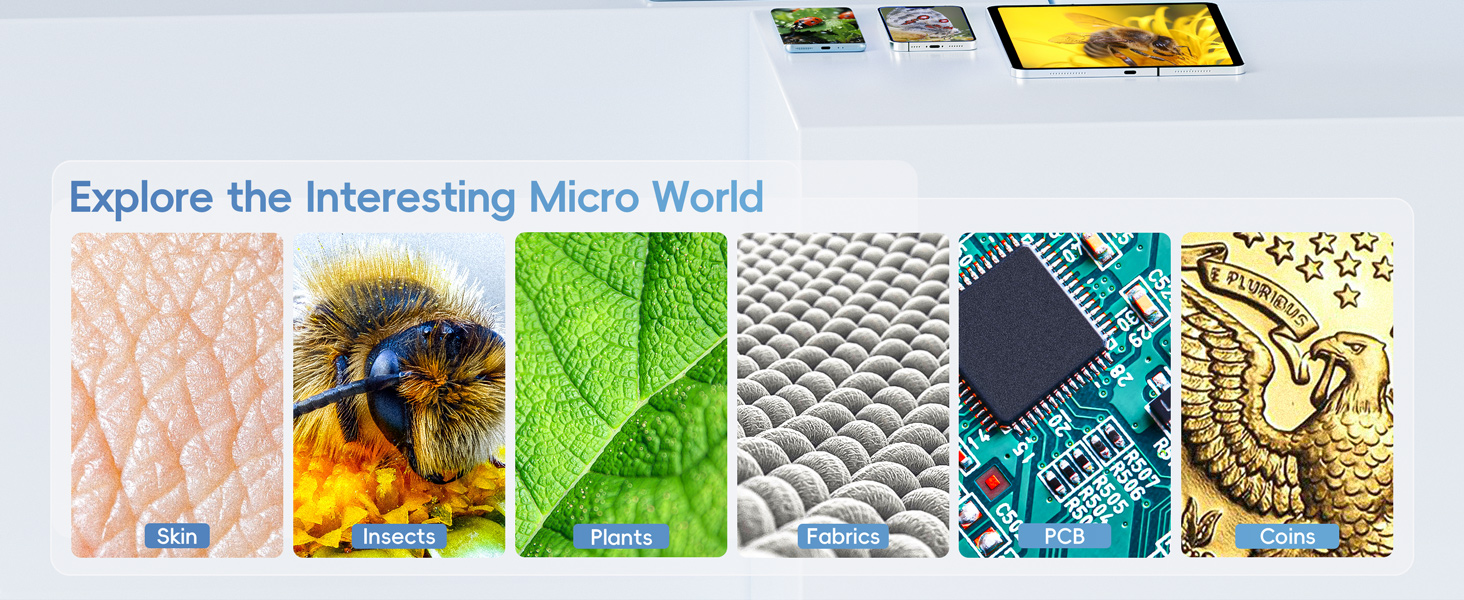
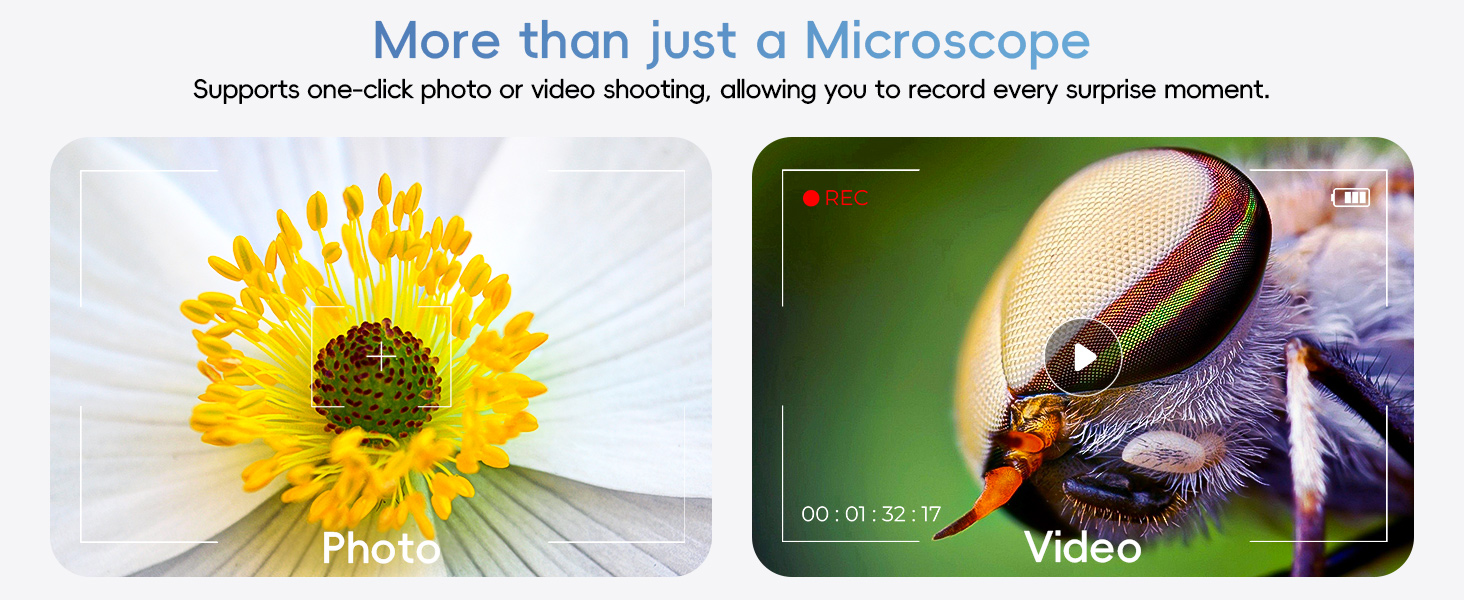
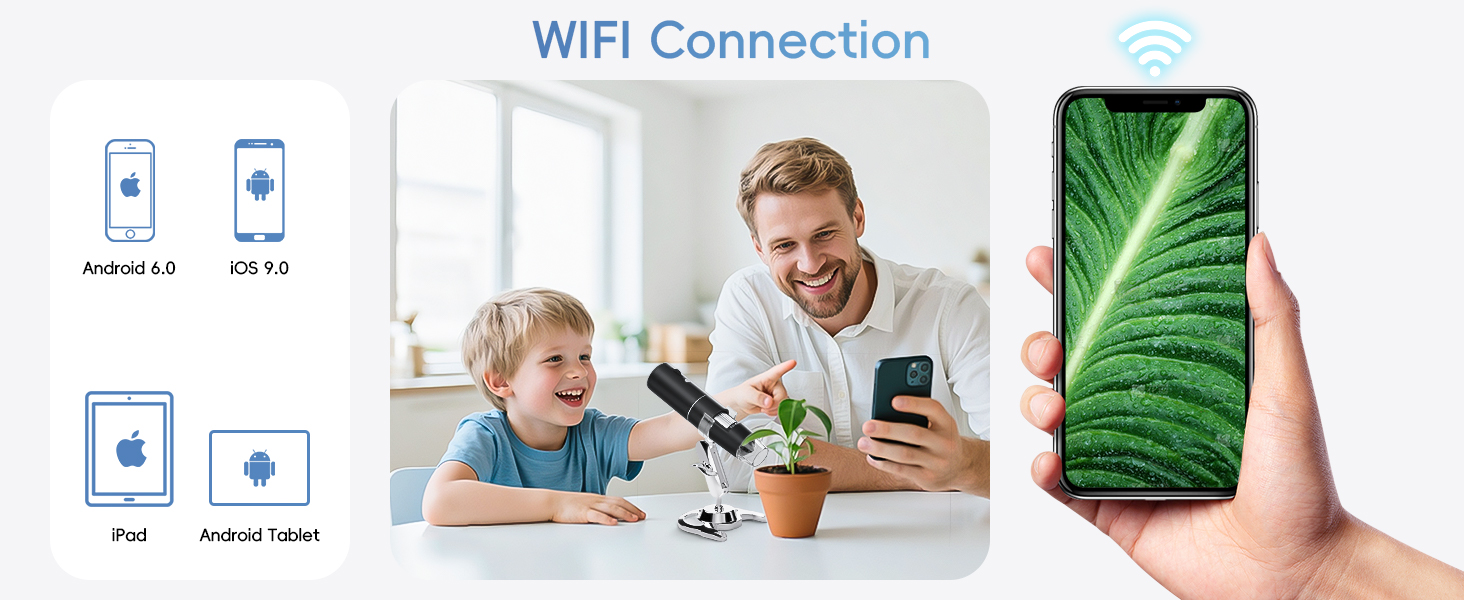
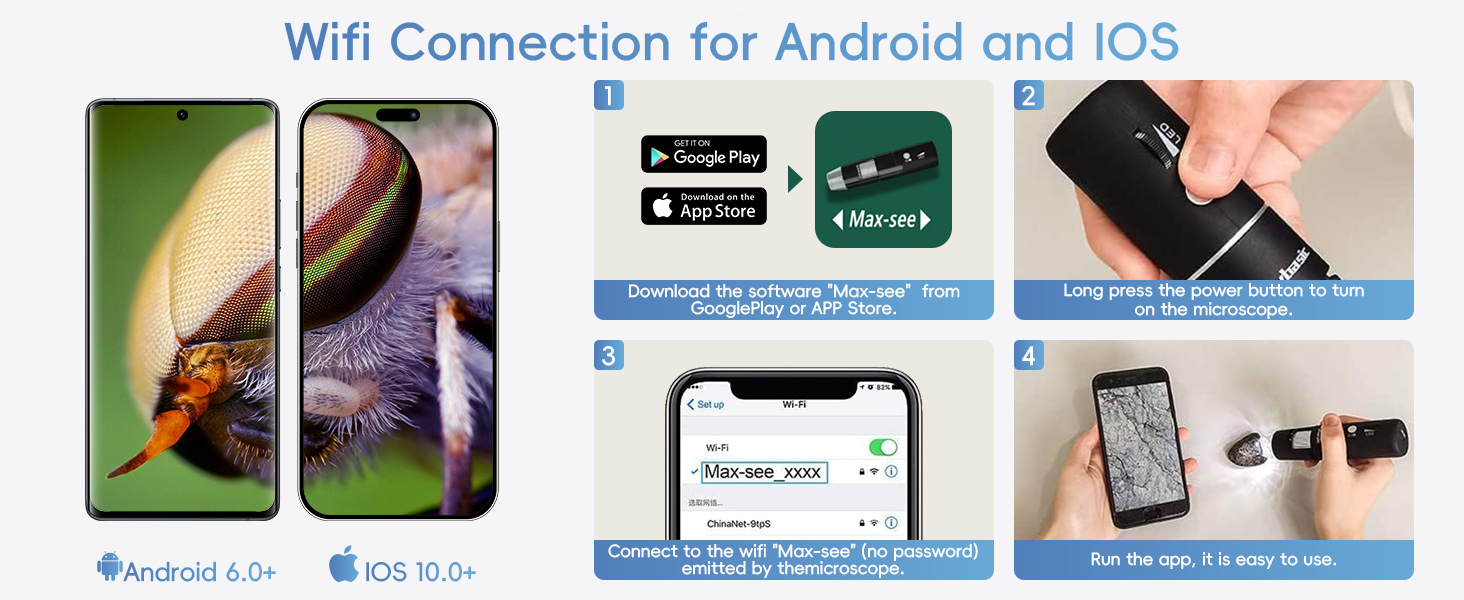
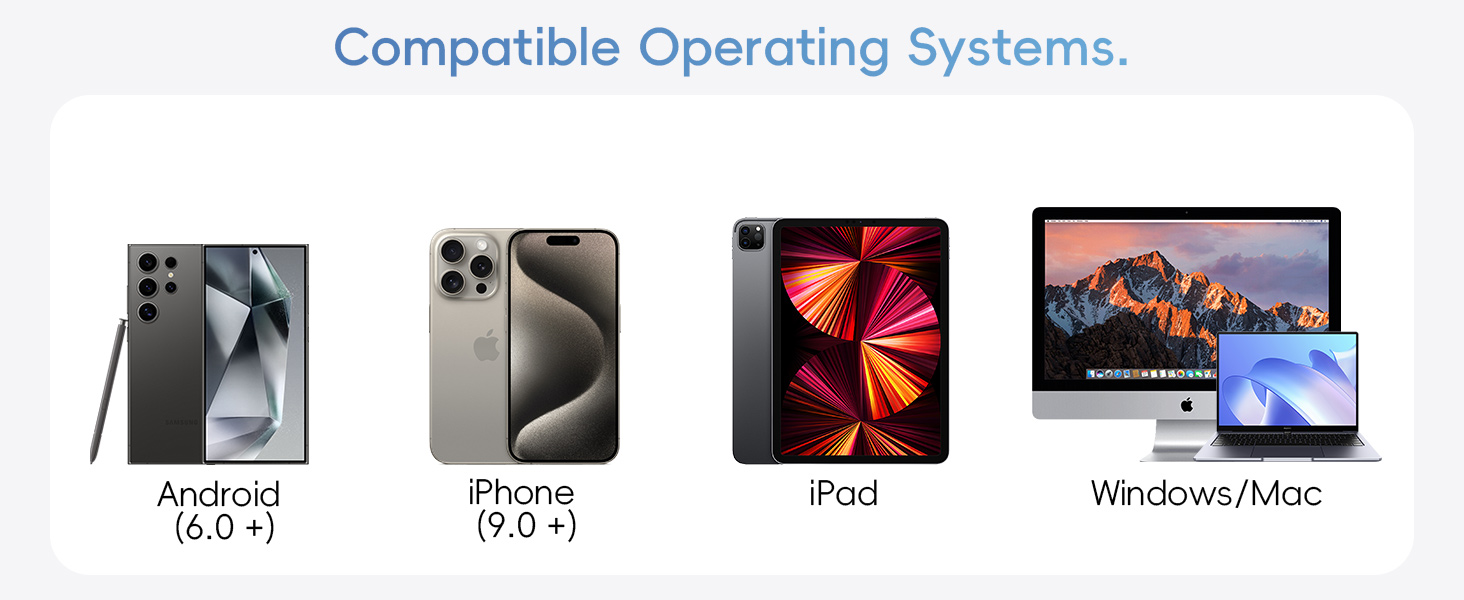
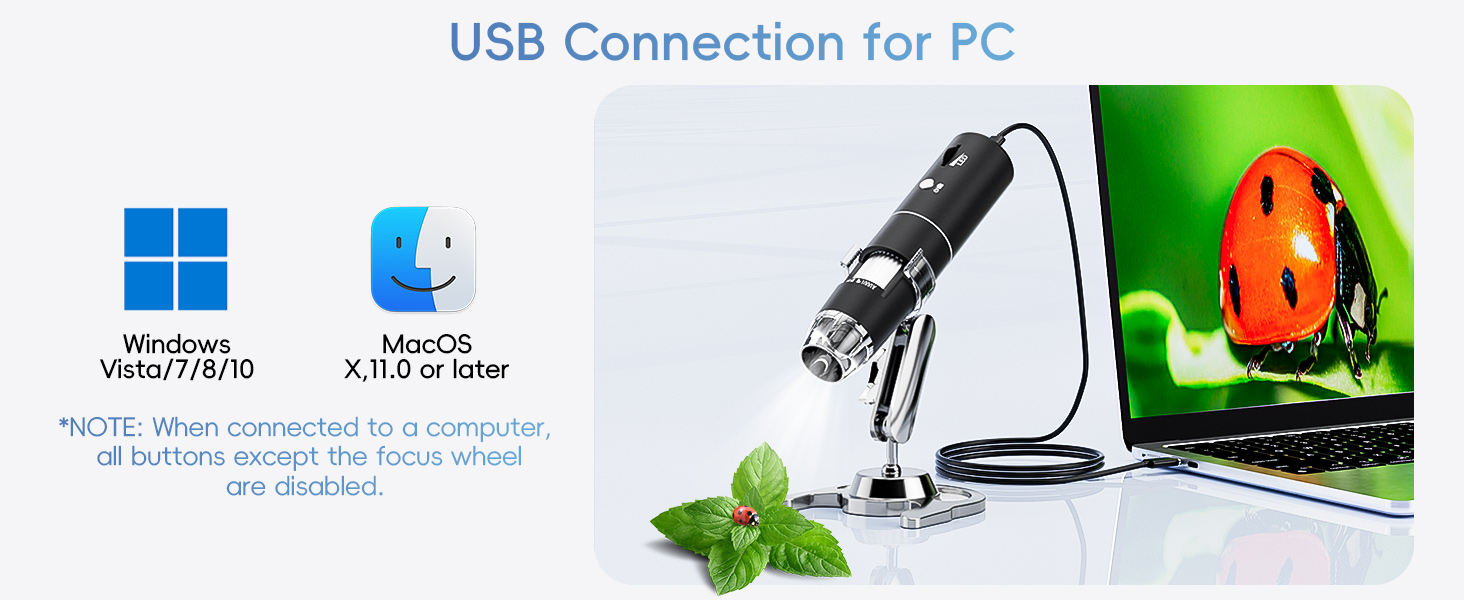
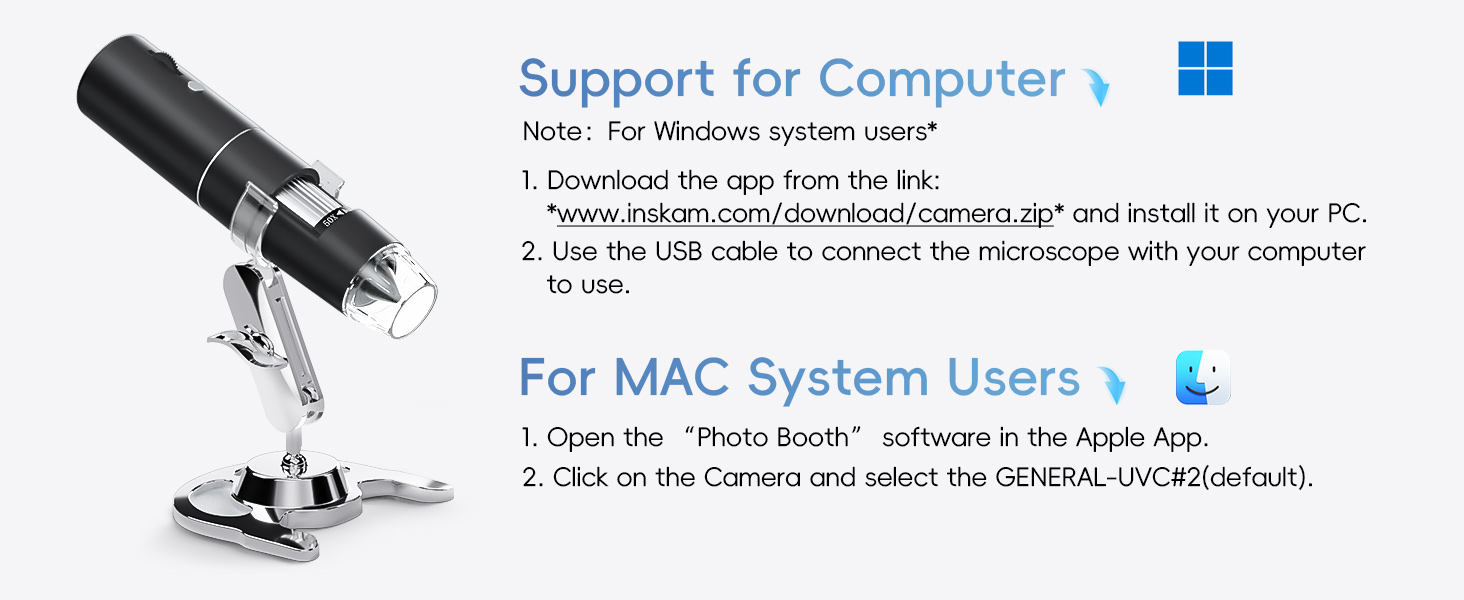
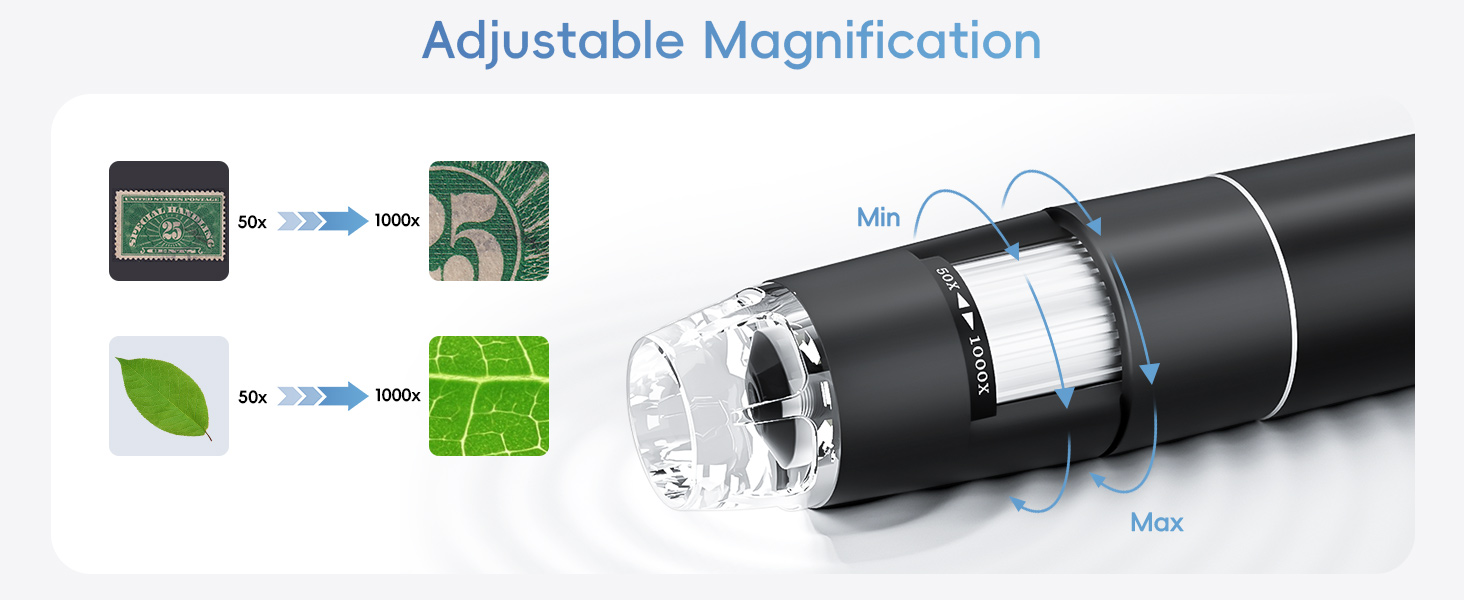
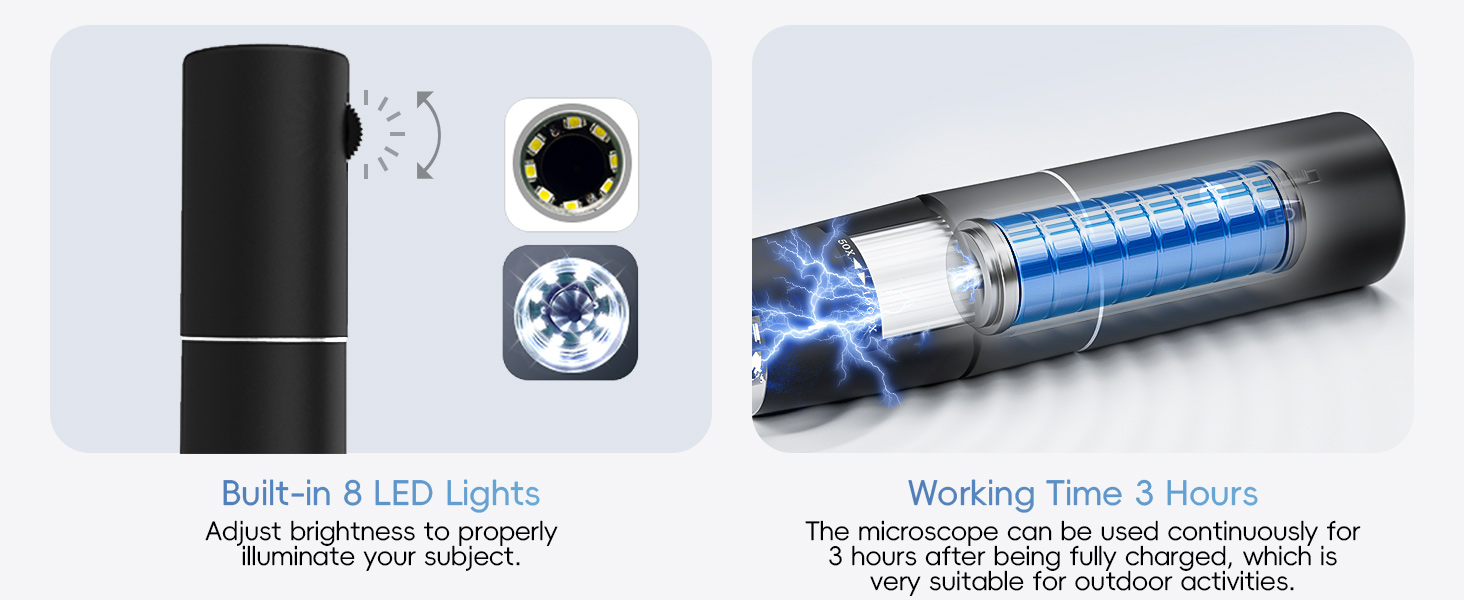
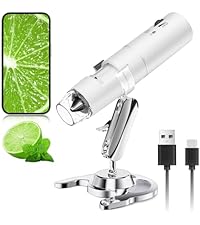
Wireless Digital Microscope, Skybasic 50X-1000X Magnification WiFi Portable Handheld Microscopes with Adjustable Stand HD USB Microscope Camera Compatible with iPhone Android iPad Windows Mac Computer Connectivity Options: This wireless handheld digital microscope works with Android or iOS devices via WiFi (connect to the microscope's WiFi hotspot). It is also compatible with Windows or Mac computers using the included USB cable. If the USB cable is missing, contact us for a free replacement. Image Quality & Lighting: The microscope features a 2MP HD CMOS sensor, delivering 1080P HD resolution for smartphones and 720P for computers. Eight adjustable LED lights ensure optimal clarity and detail. Note: Manually adjust the LED brightness (default is 30%) in low-light conditions. Easy Operation: Capture photos or videos with a single button press on your device or through the app. The images are instantly saved to your connected device. Portability & Usage: Lightweight and compact, this microscope is perfect for on-the-go exploration. Ideal for children to study plants, minerals, and insects during outdoor activities. Note: This is a fixed-focus magnifying glass, not a traditional microscope, and is not suitable for professional biologists. Focal Length & Compatibility: Optimal focal range: 3-60 mm. Maintain this distance between the lens and object for sharp images. The microscope includes user-friendly software compatible with Windows XP/Vista/7/8, Mac, and tools for multiple purposes. Important Notes: 1. Remove the plastic protective film before use. 2. For Windows 10/Mac: Disable the built-in camera in System Preferences. 3. Download the latest app version from max-see.com, App Store, or Google Play for optimal performance. Older versions may have connectivity issues. WiFi Connection for Android/iOS: 1. Download the "Max-see" app from Google Play or App Store. 2. Long-press the power button to turn on the microscope. 3. Connect to the WiFi hotspot "Max-see" (no password). 4. Open the app to start using. Note: The "+", "-", and "Take Photo" buttons only work in WiFi mode, not with computer connections. USB Connection for PC: 1. For Windows 7/8: Download "AMCap" to use the microscope. 2. For Windows 10: Plug into the USB port and search for "CAMERA" in Windows. 3. For MacBook: Use Photo Booth or QuickTime Player. 4. Note: Disable the default laptop camera in Windows and adjust privacy settings to allow camera access. Package Contents: 1x microscope, 1x USB cable (adapter not included), 1x bracket, 1x base, 1x user manual. Warranty & Support: Enjoy a one-year replacement service for quality issues. Contact our tech support if the product doesn’t meet your expectations. Our after-sale service ensures customer satisfaction.
Features
- 50X-1000X magnification range for detailed viewing
- Wireless WiFi connectivity for mobile devices
- USB connection compatible with computers
- 1080P HD resolution with 2MP CMOS sensor
- 8 adjustable LED lights for optimal illumination
- One-button photo and video capture
- Lightweight and portable design
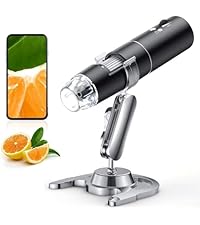
- Includes stand, base, and user manual
Product Details